Lingye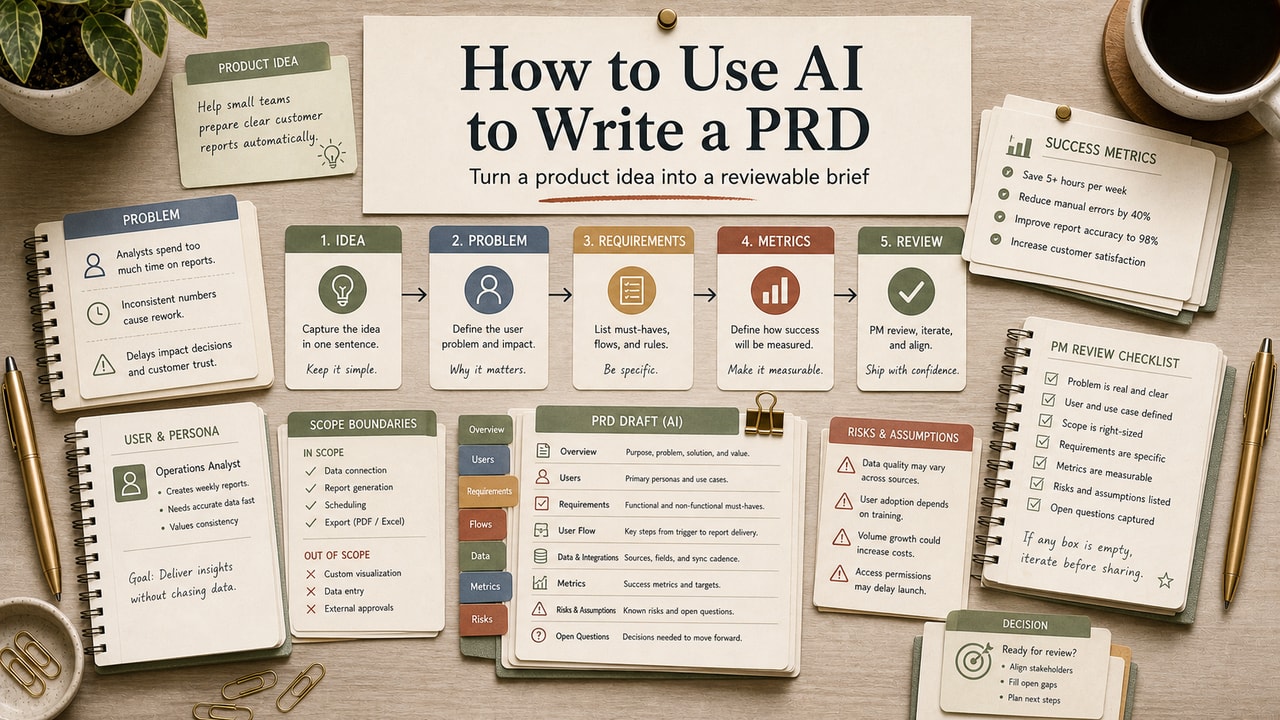
You opened ChatGPT to draft a PRD and got back a polished document that still felt wrong: vague user pain, invented metrics, and acceptance criteria that sounded plausible but did not match the product. The issue is not that AI cannot help with PRDs; the issue is asking it to make product decisions before you have made them. This workflow keeps AI in the drafting role and keeps scope, trade-offs, and engineering reality with the product team.
Quick Answer
Use AI to write a PRD only after you give it product context, a tight feature brief, and clear review rules. The useful workflow is: write a 200-word product context block, fill a 7-line feature brief, ask the model for a fixed PRD structure, then review every goal, user story, acceptance criterion, metric, and open question before engineering sees it. AI is good at turning messy product notes into a structured draft; it is not good at deciding scope, inventing metrics, reading your codebase, or resolving team trade-offs. The safest output is a draft with explicit placeholders such as [TBD with eng] and [needs_human_review], plus a review scorecard that tells you what to keep, edit, or reject before tickets are created.
What This Workflow Is
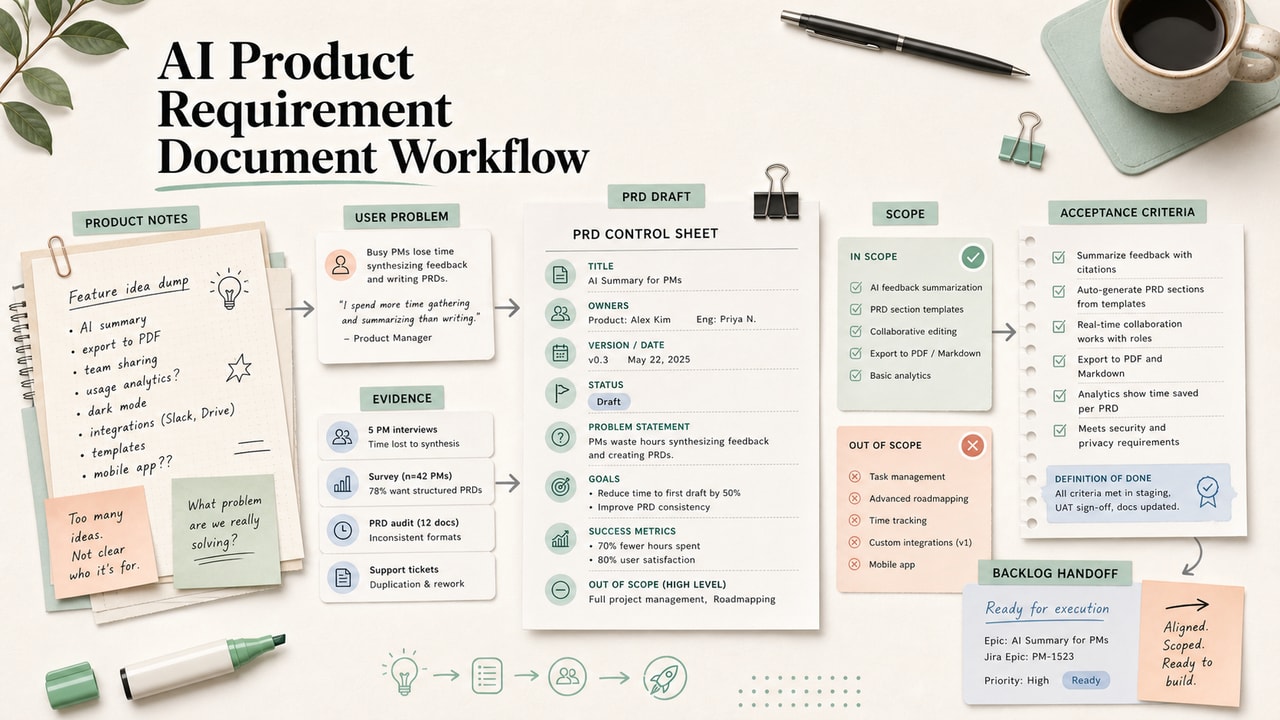
This is an AI-assisted PRD drafting workflow for product managers, founders, and operators who already understand the feature but need a faster way to turn notes into a reviewable document. It uses AI to structure the draft, not to invent the strategy.
Definition you can quote: An AI-assisted PRD workflow is a structured process where a product owner provides context, constraints, and feature decisions to an AI tool, then verifies the generated document before it becomes a team artifact.
Who This Workflow Is For
- Best for: PMs at small to mid-size teams who write repeatable feature PRDs and already have access to product context.
- Also useful for: Founders doing PM work, technical leads writing a first PRD draft, and content/product teams standardizing requirement docs.
- Not ideal for: regulated workflows, safety-critical systems, cross-team political decisions, or features where the scope is still genuinely undecided.
Tools You Need
| Tool | Use it for | Decision note |
|---|---|---|
| ChatGPT | Fast first drafts, prompt iteration, and metadata-style cleanup | Good when the PRD is short and you want quick back-and-forth |
| Claude | Longer context, structured drafts, and review passes | Useful when you need to paste product notes, prior decisions, and the draft together |
| Linear or Jira | Turning approved criteria into tickets | Do this after review, not before the PRD is checked |
| Notion or Google Docs | Storing the reusable context block and final PRD | Use the workspace your team already reviews |
A paid AI tool is worth considering only if PRD drafting is a recurring bottleneck and your team is allowed to paste product material into that tool. If you write one PRD a quarter, start with the free or already-approved tool and spend the saved budget on better product discovery.
Workflow Summary
| Phase | Human owns | AI helps with |
|---|---|---|
| Context | Product domain, users, constraints, team language | Nothing yet; source material comes first |
| Feature brief | Problem, target user, scope, non-scope, success signal | Spotting missing fields after you write the brief |
| Draft | Choosing the PRD sections and review rules | Converting notes into a structured PRD draft |
| Review | Accepting, editing, or rejecting every requirement | Flagging ambiguity and creating cleanup lists |
Decision Matrix: Should AI Draft This PRD?
| Situation | Use AI? | Why |
|---|---|---|
| Small feature with clear scope | Yes, draft first | AI can turn the brief into structure while you keep the decisions |
| Scope is still being negotiated | No, decide first | The model will smooth over disagreement instead of resolving it |
| Regulated or compliance-heavy work | Only after expert input | The PRD needs domain constraints before any AI draft is useful |
| Cross-team ownership is sensitive | Use AI only for cleanup | Ownership language and trade-offs need human handling |
This is the main editorial filter we use: AI should reduce documentation friction after product judgment exists. It should not create the judgment, hide disagreement, or make unclear scope look ready.
Step-by-Step Workflow
Step 1: Write the reusable product context block
Write 150 to 250 words that explain your product, target audience, active constraints, team vocabulary, and what the current roadmap is trying to protect. Save it as a snippet. This block should not include confidential data you would not paste into the model you choose.
Step 2: Fill the 7-line feature brief
- Problem: what user pain are we solving?
- Target user: which segment or role?
- Current behavior: what happens today?
- Desired behavior: what should change?
- In scope: what will ship?
- Out of scope: what must not creep into this work?
- Success signal: what would make the change worth doing?
Step 3: Generate the PRD draft
Paste the context block, feature brief, and prompt below. Ask the model to use placeholders instead of inventing metrics, deadlines, owners, or technical behavior.
Step 4: Run the review scorecard
Mark every section as keep, edit, reject, or needs engineering input. Do not send the PRD to engineering until invented details are removed.
Step 5: Convert only approved criteria into tickets
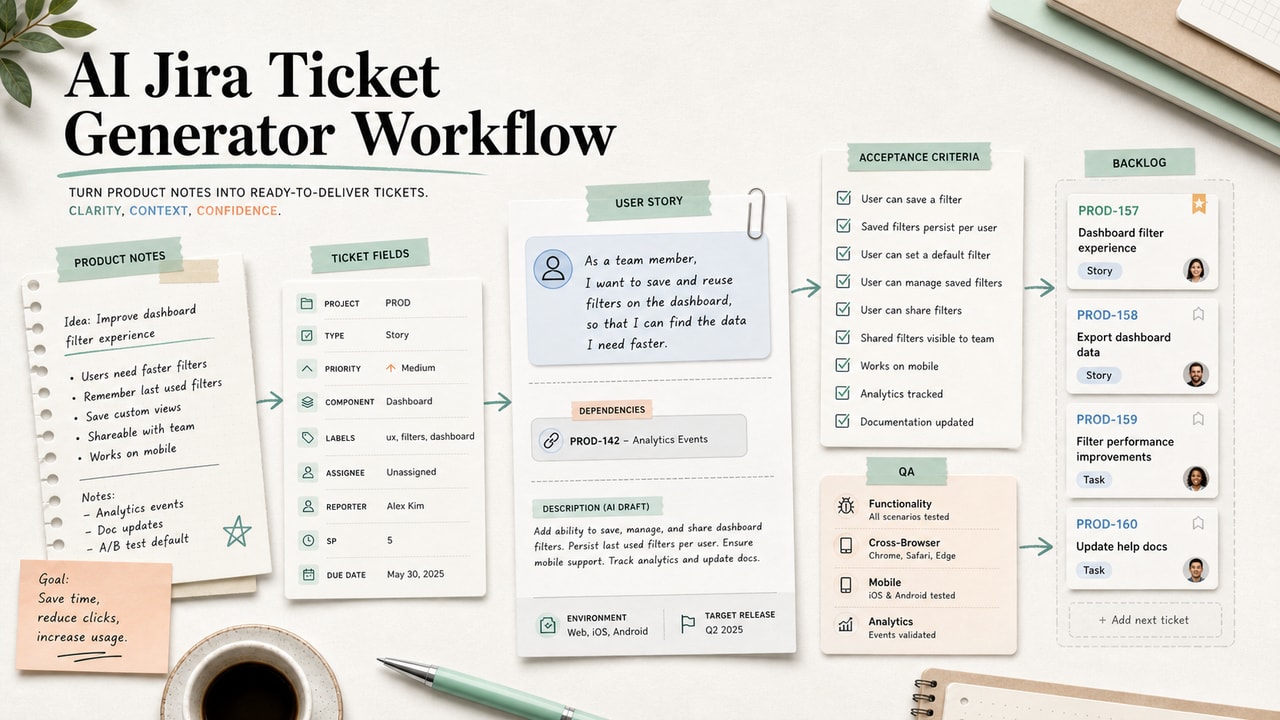
Once the PRD is reviewed, move accepted requirements into Linear, Jira, or your team tracker. Keep open questions separate so they do not become accidental scope.
Copy-and-Paste Prompt
You are helping draft a PRD. Do not make product decisions for me.

# Product context
[paste 150-250 words about the product, users, constraints, and team vocabulary]

# Feature brief
- Problem:
- Target user:
- Current behavior:
- Desired behavior:
- In scope:
- Out of scope:
- Success signal:

# Write a PRD with these sections only
1. Summary
2. Background in user language
3. Goals
4. Non-goals
5. Proposed solution
6. User stories
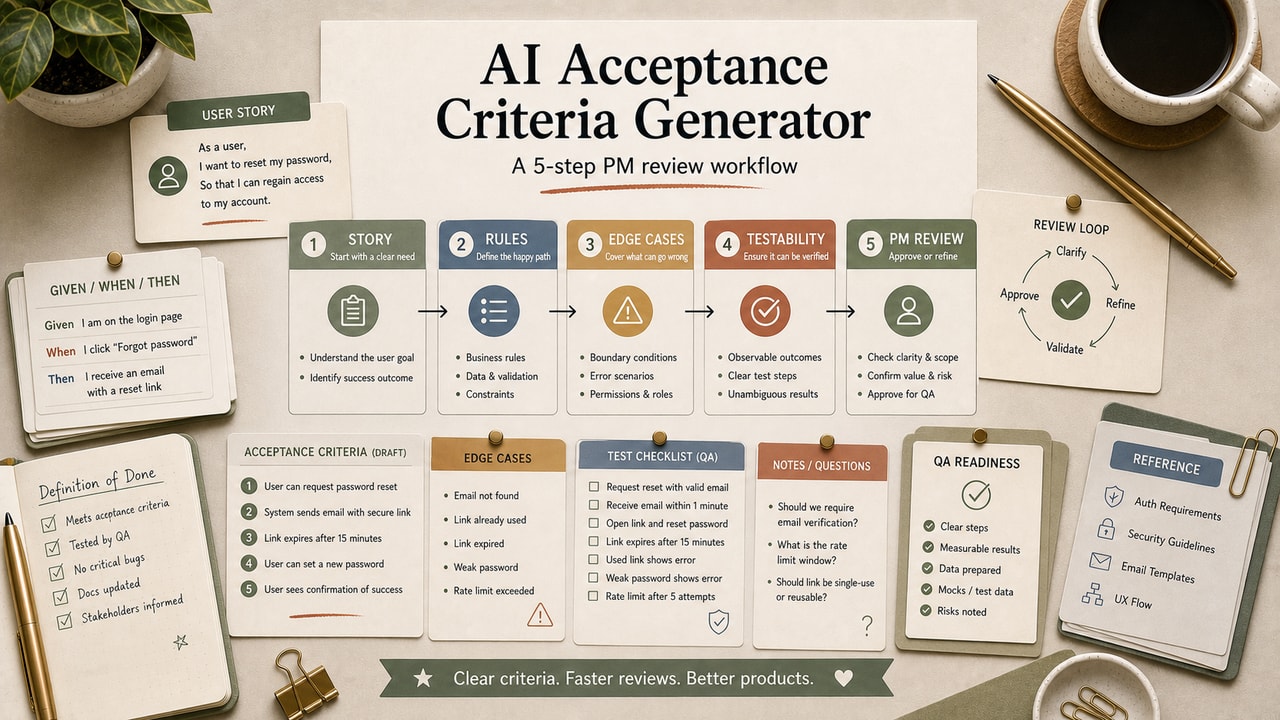
7. Acceptance criteria in Given/When/Then format
8. Open questions
9. Engineering review checklist

Rules:
- Do not invent metrics, timelines, system behavior, owners, or compliance rules.
- Use [TBD with eng] for unknown technical details.
- Use [needs_human_review] when the brief is ambiguous.
- Keep scope inside the in-scope list.
Example Input
Problem: paid customers email support to ask when the next charge will happen.
Target user: active subscribers on monthly billing.
Current behavior: billing information is available only through support replies.
Desired behavior: users can see next billing date and amount inside account settings.
In scope: display-only billing status widget.
Out of scope: updating payment method, refunds, plan changes.
Success signal: fewer billing-status tickets after launch, measured after engineering confirms the tracking event.
Example Output
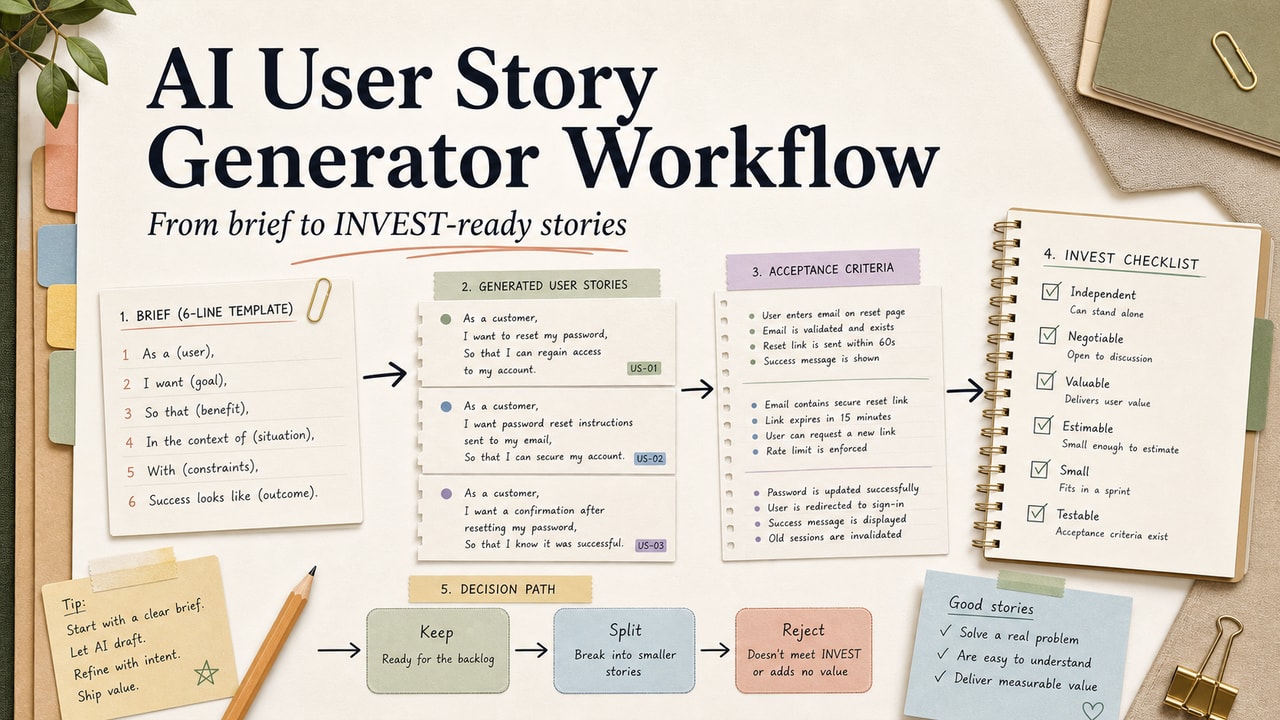
User story: As an active subscriber, I want to see my next billing date in account settings so that I do not need to contact support for basic billing status.
Acceptance criterion: Given an active subscriber with a valid billing record, when they open Settings > Billing, then the page shows next billing date, plan name, and expected amount. If the billing API fails, show [TBD with eng: approved error message] and log the failure event.
Open question: Which event name should analytics use for billing widget impressions?
The useful part is not the prose. The useful part is that unknown technical details stayed visible instead of being silently invented.
Tested Workflow Notes
In editorial review, the strongest AI-drafted PRDs have one pattern: they make uncertainty visible. Weak drafts hide uncertainty by filling gaps with confident language. When reviewing the draft, search for any metric, deadline, user segment, API behavior, or owner that was not in your input. If you did not provide it and engineering has not confirmed it, the draft should mark it as [TBD] or move it to Open Questions.
We also prefer reviewing acceptance criteria before polishing the summary. A polished summary can make a weak PRD feel better than it is. If the criteria are wrong, the PRD is wrong.
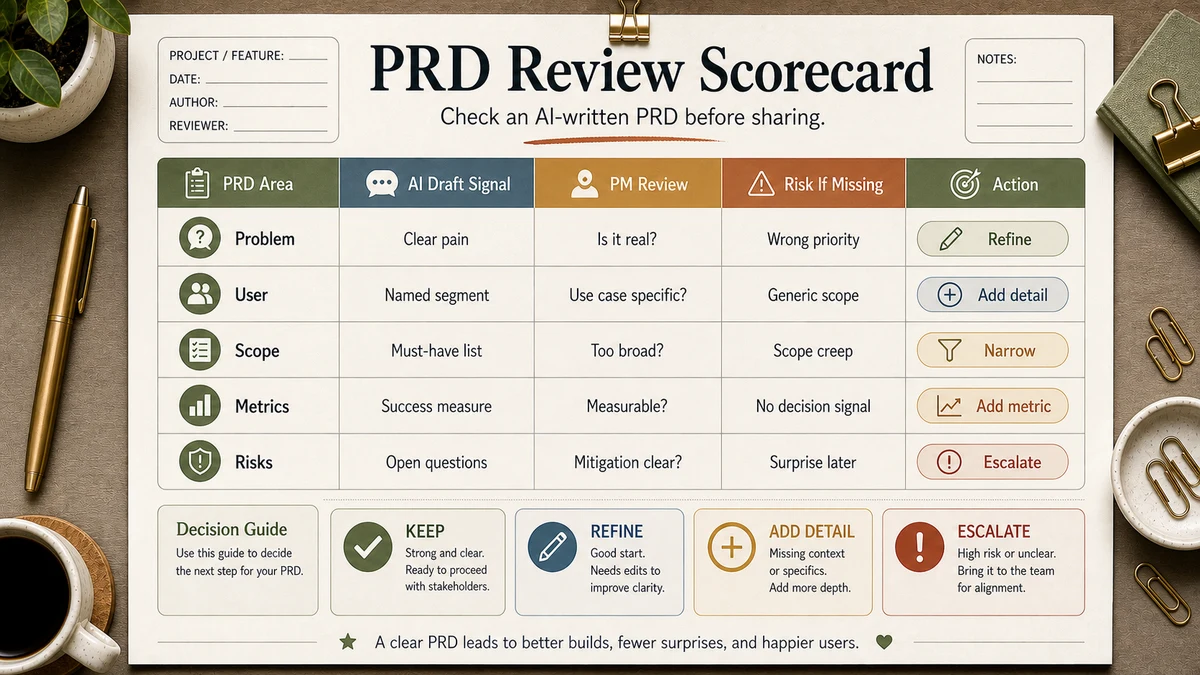
Workflow Artifact: PRD Review Scorecard
| Review check | Pass condition | If it fails |
|---|---|---|
| Scope control | Every requirement maps to the in-scope list | Move extras to non-goals or open questions |
| Metric honesty | No number appears unless source material included it | Replace with [TBD with eng] or a measurement plan |
| System reality | Acceptance criteria match known product behavior | Ask engineering before tickets are created |
| User value | The PRD names the user pain and decision value | Rewrite background in user language |
Use the scorecard before you clean up language. A prettier PRD is not a better PRD if it still contains invented scope, fake metrics, or criteria engineering cannot build.
Pitfalls We've Actually Hit
- Prompting from a feature name only. The draft looked complete but could have belonged to any SaaS product. The fix is the 7-line brief.
- Letting AI invent metrics. A made-up success number creates false certainty. Replace it with [TBD] unless your source material includes it.
- Skipping engineering review. AI can write criteria that sound reasonable but do not match the existing system. Review before ticket creation.
Common Mistakes
- Using AI to decide scope. Scope is a product decision; the model should only format it.
- Hiding open questions. A PRD with honest open questions is better than a confident fake answer.
- Writing user stories before the problem is clear. Bad context creates neat but useless stories.
- Copying acceptance criteria straight into tickets. Criteria need a human and engineering pass first.
- Forgetting data policy checks. Do not paste customer data, contracts, or unreleased strategy into a tool before your team approves the data path.
Tool Alternatives
| Need | Option | Trade-off |
|---|---|---|
| Long PRD review | Claude | Better fit when the context block and draft are both long |
| Fast prompt iteration | ChatGPT | Good for trying section variants quickly |
| Team storage | Notion or Google Docs | Choose the place where comments and approvals already happen |
| Ticket handoff | Linear or Jira | Only move reviewed criteria into the tracker |
FAQ
Can AI write a PRD from just a feature name?
It can produce text, but the result is usually too generic to trust. Use a context block and 7-line feature brief before asking for a draft.
Should I use ChatGPT or Claude for PRDs?
Either can work. Use the tool your team is allowed to use with product material, and choose the one that handles your context length comfortably.
How long should an AI-drafted PRD be?
Long enough to cover goals, non-goals, user stories, acceptance criteria, and open questions. If the draft grows because it repeats background, trim it.
Can AI create acceptance criteria?
Yes, as a draft. Treat every criterion as a proposal until product and engineering verify it against real system behavior.
What should I never paste into the prompt?
Do not paste customer personal data, confidential contracts, unreleased financial plans, or codebase details unless your team's policy explicitly permits it.
Final Recommendation
If you take one thing from this guide, make it this: AI can structure a PRD, but it cannot own the product judgment inside the PRD. Write the context block, fill the 7-line brief, generate the draft, and use the scorecard before engineering review.
For your next feature, run the workflow on one small PRD first. Keep the model output separate from the approved version so the team can see which decisions came from humans and which paragraphs were only formatting help.