Lingye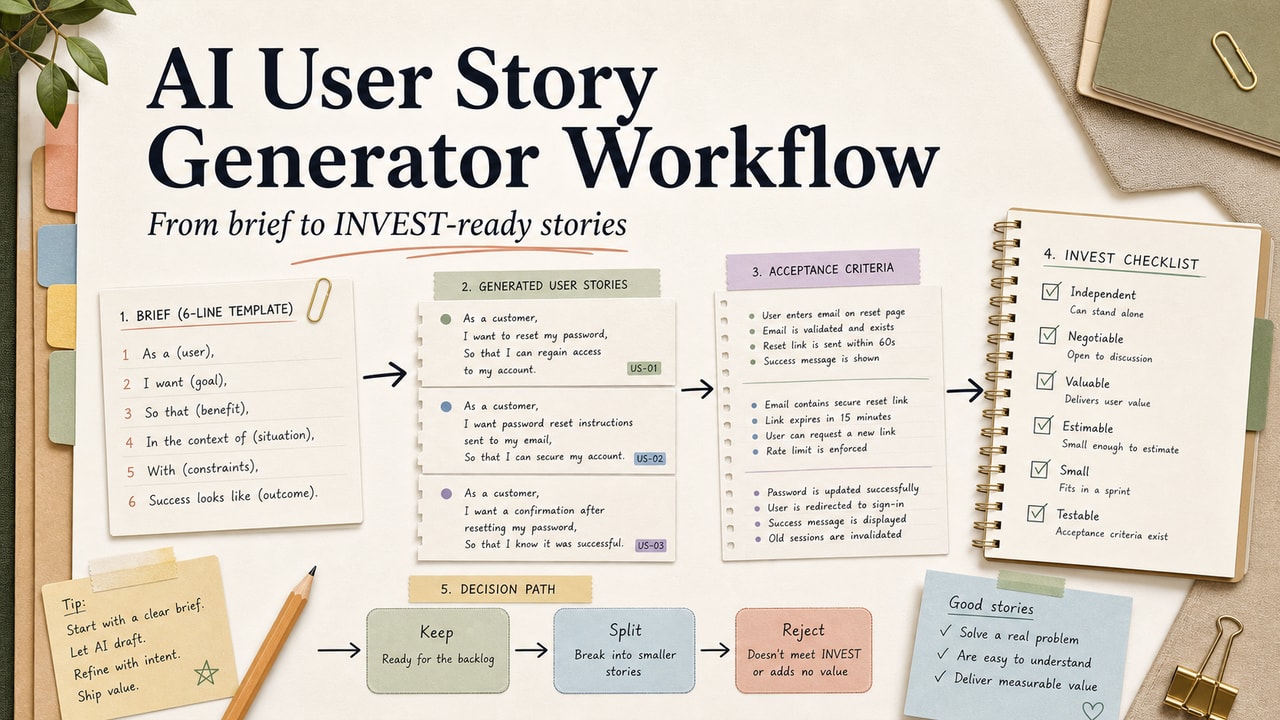
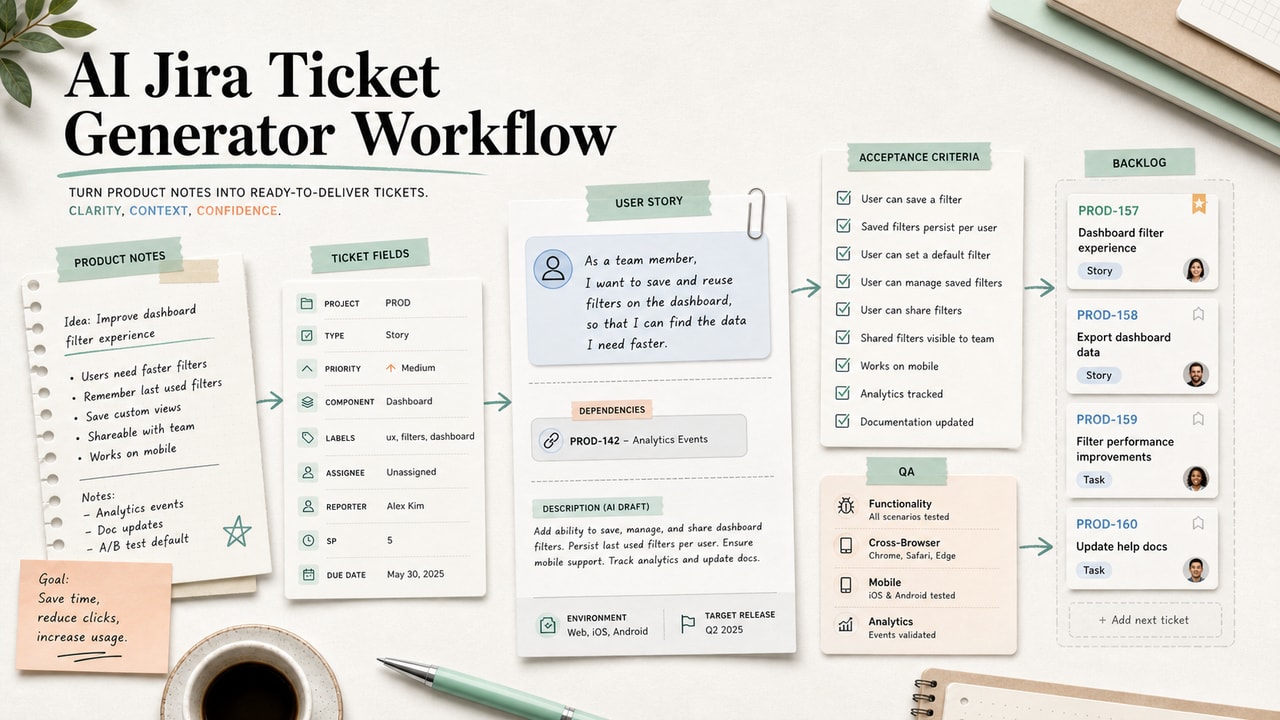
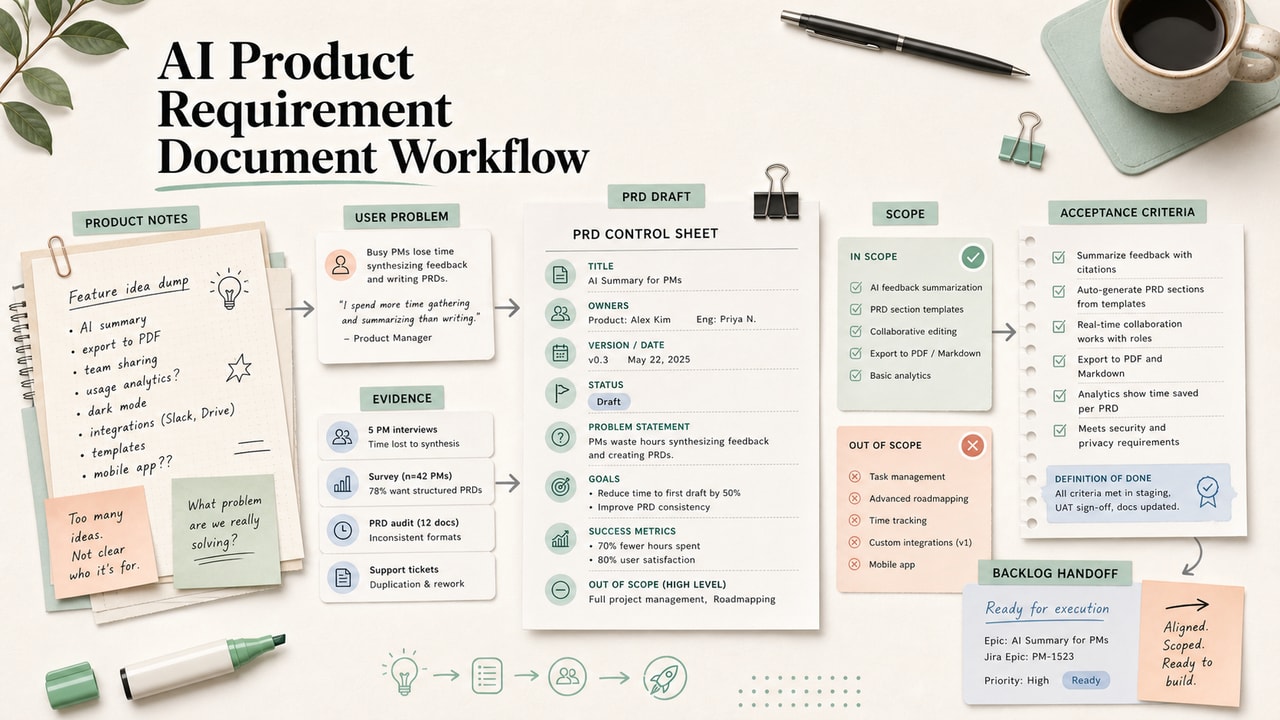
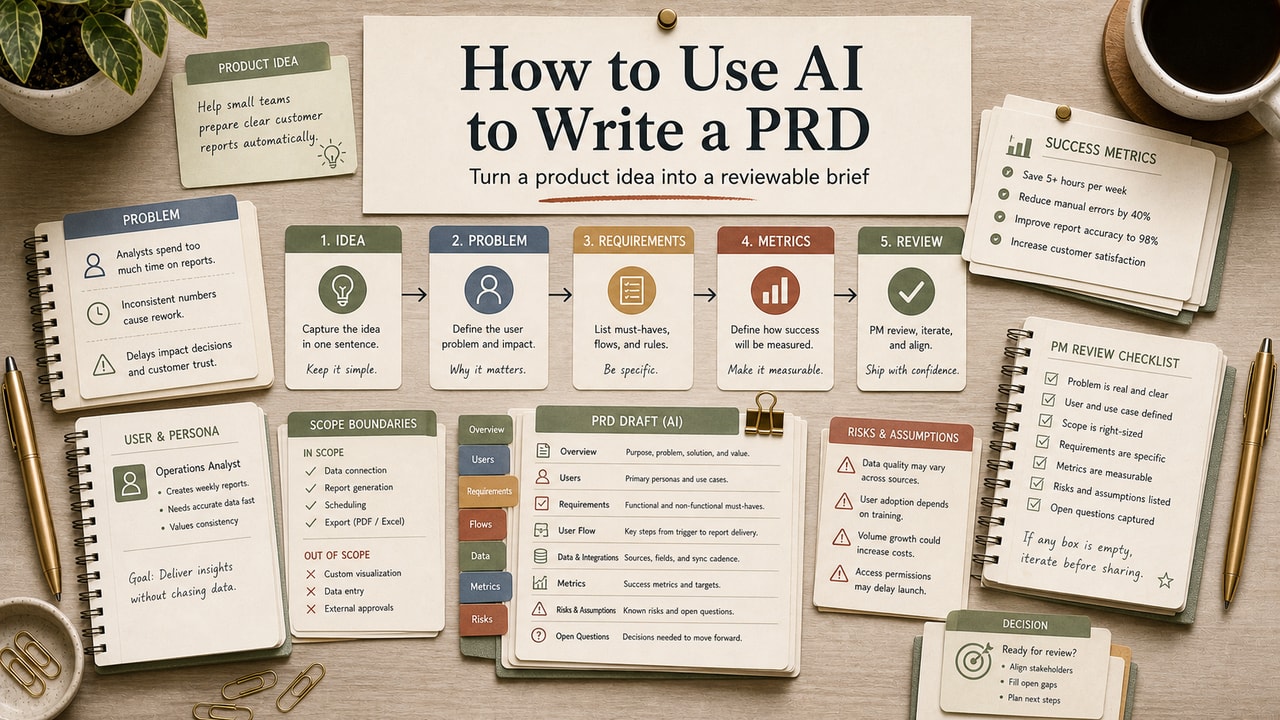
AI can write user stories quickly, but speed is not the same as product clarity. The useful version of this workflow is not "generate a backlog." It is a controlled drafting pass: give the model a narrow feature brief, force assumptions into the open, then review the output like a PM who still owns prioritization, edge cases, and engineering handoff. That boundary is what keeps a fast story generator from creating a bigger refinement problem.
Quick Answer
An AI user story generator workflow turns a short feature brief into draft user stories, acceptance criteria, and assumption notes, then sends the result through a human PM review. The best workflow is: write a six-line brief, generate three to eight stories, run an INVEST check, add manual edge cases, reject unsupported assumptions, and only then move stories into Jira, Linear, Notion, or your backlog tool. Use AI for structure and first-pass wording, not for product judgment. This is most useful for solo PMs, founders, and small product teams that need clearer stories before sprint planning. It is not a fit for safety-critical, regulated, or high-liability work unless your normal review process stays in control. Keep assumption notes visible during refinement.
What This Workflow Is
This is a human-reviewed user story drafting process. The AI produces a first pass from a structured brief; the PM decides what stays, what changes, and what gets deleted. A good output should include user value, acceptance criteria, testable boundaries, and visible assumptions.
Definition you can quote: An AI user story generator workflow is a repeatable product workflow where AI drafts user stories from a scoped feature brief, while a PM reviews the stories against INVEST, edge cases, and real product constraints before backlog entry.
Who This Workflow Is For
- Best for: solo PMs, founders, and small product teams that write several stories per sprint without a dedicated business analyst.
- Also useful for: engineering leads who need clearer acceptance criteria before assigning implementation work.
- Not ideal for: medical, aviation, financial trading, security, or compliance-heavy workflows where every story needs formal domain review.
Tools You Need
| Tool | Use it for | Decision note |
|---|---|---|
| Claude | Longer feature briefs and multi-story review | Useful when context length matters |
| ChatGPT | Fast story drafts, rewrites, and acceptance criteria | Good for short prompts and variant generation |
| Gemini | Drafting when your team already works in Google tools | Review formatting before pasting into your tracker |
| Atlassian user story guide | Reference for story basics | Use as a format check, not as a product decision engine |
Pricing and availability can change by account, region, and plan, so choose the tool your team is allowed to use before buying a new one. The workflow matters more than the model name.
Workflow Summary
| Stage | AI should do | PM must decide |
|---|---|---|
| Brief | Turn a scoped idea into story candidates | Whether the brief is clear enough to use |
| Story draft | Write Connextra-style or job-story options | Which format fits the team |
| Criteria | Draft Given/When/Then checks | Whether each check is actually testable |
| Review | Flag assumptions and weak INVEST scores | What to cut, split, or send back to discovery |
Step-by-Step Workflow
- Write a six-line feature brief. Include feature, primary user, trigger, desired outcome, one constraint, and one out-of-scope item. This prevents the model from filling gaps with plausible but unsupported product ideas.
- Generate a small batch. Ask for three to eight stories, not a full backlog. If the feature only supports three stories, the model should be allowed to stop there.
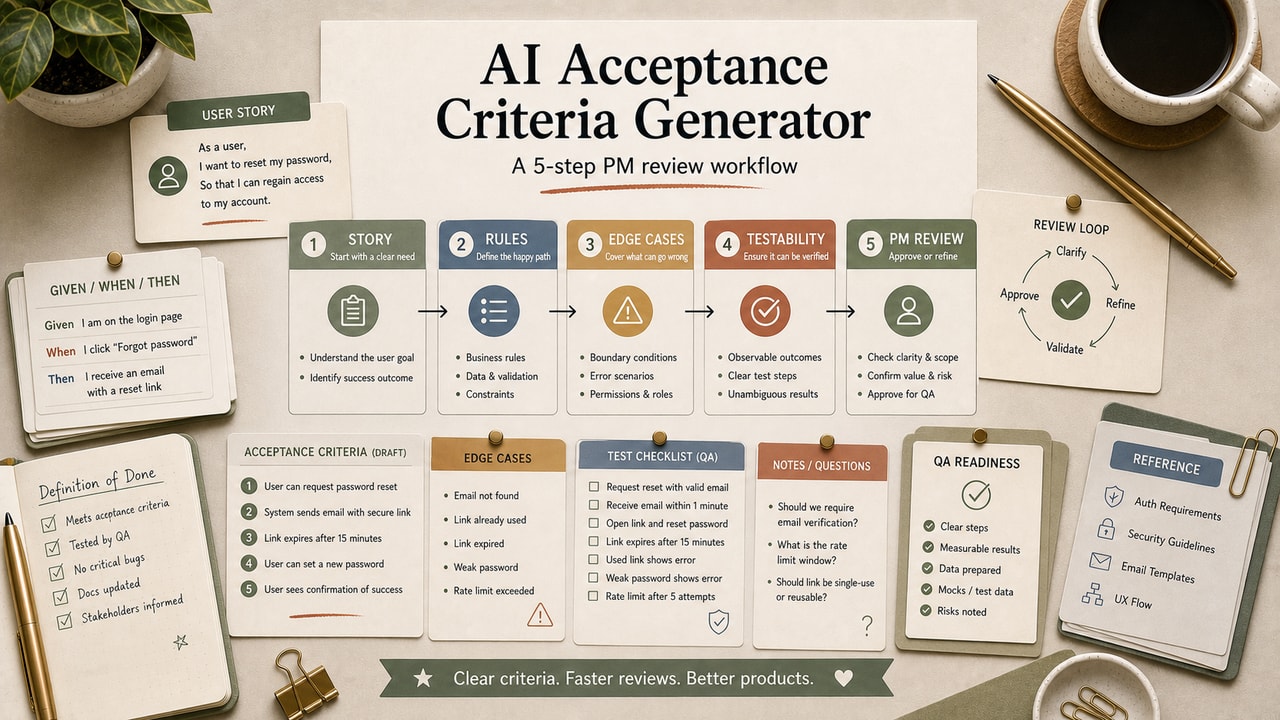
- Require acceptance criteria. Use Given/When/Then bullets so engineering and QA can see what must be true before the story is done.
- Run an INVEST pass. Ask the model to score Independent, Negotiable, Valuable, Estimable, Small, and Testable. Rewrite or split any story with weak Small or Testable scores.
- Add edge cases manually. AI often starts with the happy path. Add empty state, permission, offline, duplicate, failure, or limit cases yourself.
- Reject fabricated assumptions. Delete any integration, role, metric, or behavior that was not in the brief unless a human explicitly approves it.
- Move only reviewed stories into the tracker. Paste accepted stories into Jira, Linear, Notion, or your own backlog with the assumption notes still visible.
Copy-and-Paste Prompt
You are a senior product manager helping me draft user stories.

Feature brief:
1. Feature: [paste]
2. Primary user: [paste]
3. Trigger: [paste]
4. Desired outcome: [paste]
5. One constraint: [paste]
6. Out of scope: [paste]

Write 3 to 8 user stories. Use this format:
- Title
- Story: "As a [user], I want [action], so that [benefit]"
- Acceptance criteria: 3 to 5 Given/When/Then bullets
- Assumptions: mark anything not directly stated in the brief
- INVEST score: I/N/V/E/S/T from 1 to 5

Do not invent integrations, user roles, or success metrics. If a story is too large, split it or leave it out.
Example Input
1. Feature: Saved searches in a remote job board
2. Primary user: Senior engineer looking for remote roles
3. Trigger: They run the same filter set more than twice
4. Desired outcome: One-click access to the saved search
5. One constraint: Must work before account creation
6. Out of scope: Sharing saved searches with other users
Example Output
Story: Save a recent search
As a remote-job seeker, I want to save my current filter combination, so that I can return to it without rebuilding the search.
- Given I have applied at least one filter, when I select "Save search," then the current filter set is stored.
- Given I am not logged in, when I save a search, then the product stores it locally and offers account creation without blocking the action.
- Given I already have the maximum allowed saved searches, when I save another, then I see a clear choice to replace one.
Assumption to review: the maximum number of saved searches is a product decision, not an AI fact.
Tested Workflow Notes
The saved-search example is useful because it exposes where AI helps and where it gets risky. The first draft usually gives you a clean story format and a reasonable happy path. The review work starts when it quietly assumes storage rules, account requirements, notification behavior, or search limits.
Our editorial rule is simple: if the model invents a product behavior, the story can stay only if the assumption is labeled and a human accepts it. Otherwise, the story goes back to discovery or gets deleted. That keeps the workflow fast without letting confident wording turn into accidental scope.
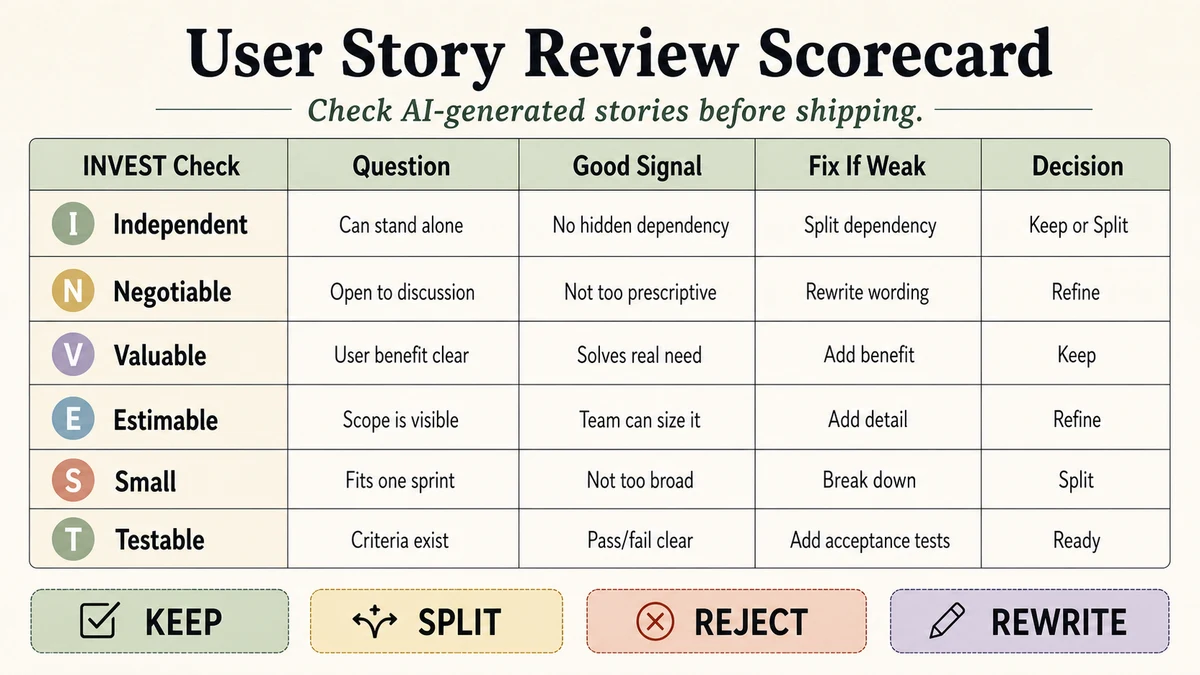
Workflow Artifact: User Story Review Scorecard
| Check | Pass signal | Reject or revise when |
|---|---|---|
| User value | The benefit names a real user outcome | The story only describes internal work |
| Acceptance criteria | Each criterion can be tested | Criteria say "fast," "easy," or "intuitive" without evidence |
| Assumptions | Every inferred rule is labeled | The story adds integrations or limits not in the brief |
| Size | One story can be discussed in refinement | The story hides multiple workflows in one ticket |
Decision Matrix: Keep, Split, or Reject an AI Story
The extra review layer is where this workflow becomes more useful than a prompt. A PM should be able to look at each AI-generated story and make one of four decisions: keep it, split it, rewrite it, or reject it. That decision is more valuable than the story text because it tells the team what product judgment was applied before refinement.
| Signal | Decision | Reason |
|---|---|---|
| One user action, clear benefit, testable criteria | Keep | The story can enter refinement with assumption notes attached |
| Two workflows hidden in one title | Split | Engineering cannot estimate or test it cleanly as one ticket |
| No user-facing outcome | Rewrite | It may be a task, spike, or implementation note instead of a story |
| New integration, metric, role, or limit appears | Reject or park | The model invented product scope that the brief did not approve |
This matrix gives the reader a practical stop rule. If a generated story cannot survive the table, the problem is not wording. The problem is missing product context, and another prompt will only make that weak context sound cleaner.
Pitfalls We've Actually Hit
- AI invents integrations. If LinkedIn, Slack, Stripe, or another system was not in the brief, do not let it appear in the story without approval.
- Acceptance criteria sound testable but are vague. Replace "should be easy" with a visible event, state, or message.
- The batch is too large. Asking for eight stories can produce filler. Ask for "three to eight, only if the brief supports them."
Common Mistakes
- Skipping the brief. A vague paragraph creates vague stories.
- Accepting the first output. The first pass is a draft, not a sprint-ready backlog.
- Ignoring edge cases. Empty states, permissions, duplicates, and failure modes usually need human attention.
- Removing assumption notes. Those notes are the handoff value. Keep them until the team decides.
- Using AI to settle priority. AI can group and format stories, but product priority still comes from goals, users, and constraints.
Tool Alternatives
| Need | Option | Trade-off |
|---|---|---|
| Backlog drafting | Jira or Linear | Convenient when your tracker already supports AI, but prompt control may be lower |
| PRD first | AI PRD workflow | Better when the feature is not scoped enough for stories yet |
| PM task system | AI workflow for product managers | Use when story writing is only one part of the PM workflow |
FAQ
Can AI replace a PM for user stories?
No. AI can draft structure and surface gaps, but a PM still owns user value, priority, scope, and trade-offs.
Which story format should I use?
Use the format your team already understands. Connextra is fine for most delivery work; job stories can be sharper during discovery.
How many stories should I generate at once?
Start with three to eight. If the model pads the list, ask it to remove any story that does not map directly to the brief.
How do I stop fabricated acceptance criteria?
Require assumption labels, then run a second pass asking which criteria are not supported by the brief. Delete or revise those lines.
Should I paste AI output straight into Jira?
Only after review. Keep assumption notes visible so engineering can challenge unclear scope during refinement.
Final Recommendation
Use AI as a drafting assistant for story shape, not as the owner of product decisions. The workflow is worth using when it saves PM time on formatting and exposes hidden assumptions before refinement. It is not worth using if your team accepts the output without reading it.
For the next feature, run the six-line brief once, score the output, and keep a small reject list. If you can explain why each accepted story is valuable, testable, and in scope, the workflow helped. If not, the feature brief needs more work before AI gets involved.