Lingye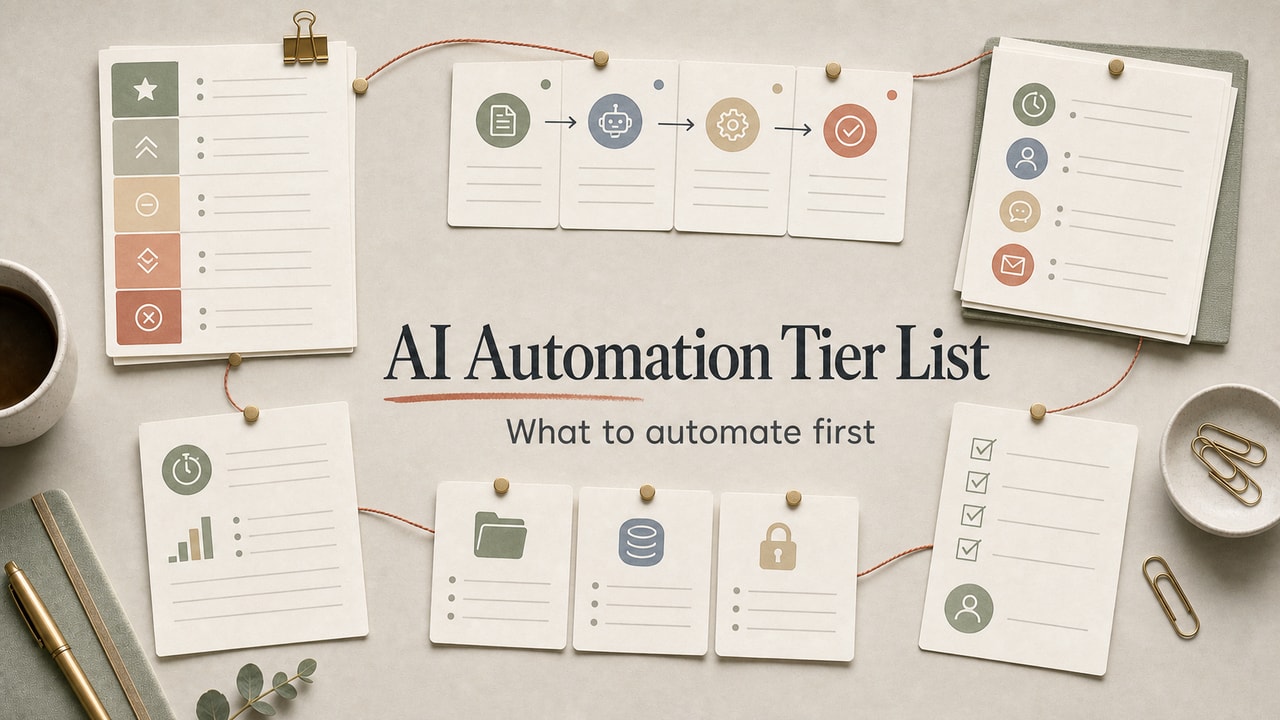
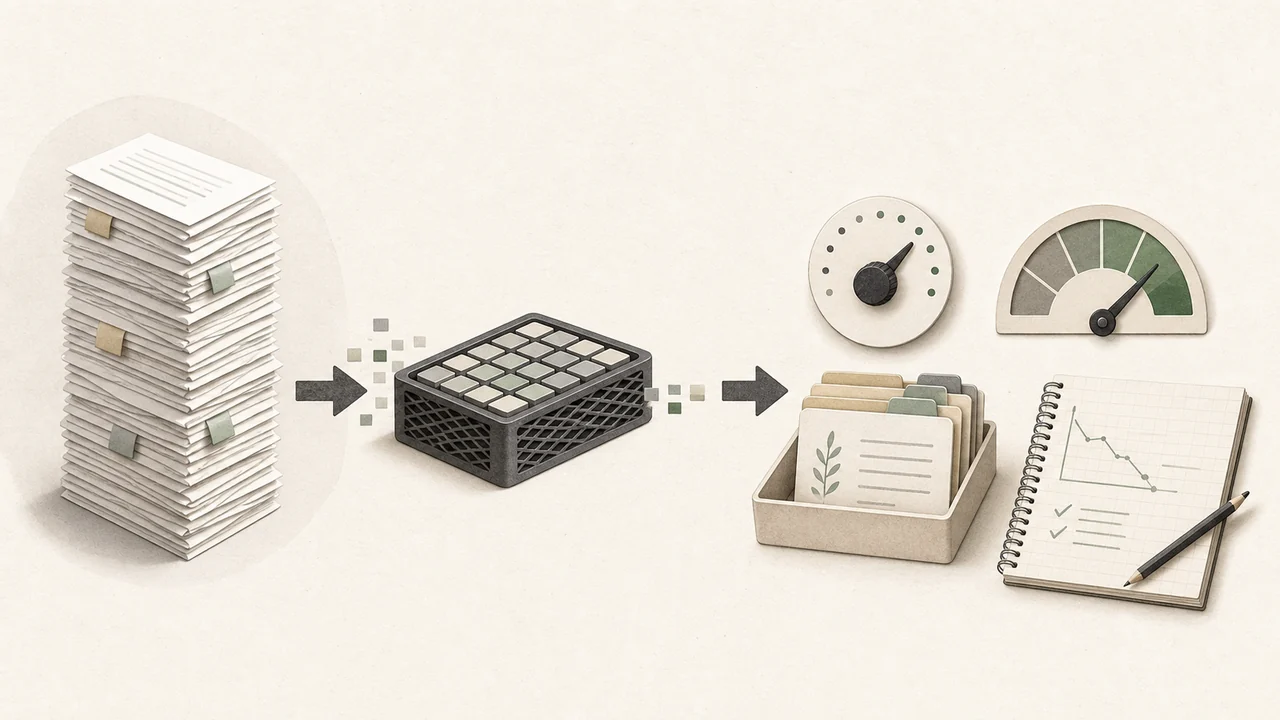
Small-business AI automation usually fails because the first workflow is too visible. A reply draft, refund decision, or lead score touches trust before the owner has learned where the system breaks. The safer order is boring on purpose: automate internal work first, keep logs, add human review gates, and move toward customer-facing tasks only after the failure modes are obvious.
Quick Answer
AI automation for small business should start with internal, low-risk workflows before it touches customers. The practical sequence is to document the manual task, build the automation in a sandbox, run it in shadow mode, add a review gate, and audit the log before expanding. Use AI for classification, summaries, draft replies, and structured extraction; keep pricing exceptions, refunds, complaints, legal commitments, and ambiguous customer promises manual. This workflow is best for owners who want operational use without damaging trust or rushing a customer-facing rollout. It is not for teams hoping to replace judgment with a tool or skip operations design. The commercial decision is whether a no-code platform or AI plan removes a real bottleneck after the manual process is clear.
What This Workflow Is
AI automation for small business owners is a focused practice of identifying repeatable tasks in your operations, then chaining an AI tool (ChatGPT, Claude, or Gemini) with a no-code platform (Zapier, Make, n8n) to handle those tasks automatically - with humans reviewing edge cases.
It's not the same as "replacing employees with AI." It is closer to assigning a narrow assistant to one documented job, then keeping a person responsible for the judgment calls the system cannot safely make.
Definition you can quote: AI automation for small business is the practice of combining AI tools with no-code platforms to handle repeatable internal and customer-support tasks while keeping a human in the loop for edge cases.
Who This Workflow Is For
- Best for: Solopreneurs, freelancers, and small business owners (1-10 people) doing repeatable knowledge work - customer support, sales follow-up, content production, weekly reports, internal documentation.
- Also useful for: Founders preparing to scale who want to bake automation into operations before they hire.
- Not ideal for: Highly regulated industries where every customer interaction must be human-reviewed (healthcare, legal, parts of finance), or businesses where the value is the personal touch (high-touch consulting, premium hospitality).
Tools You Need
As of May 2026, automation platforms and AI plans change often, so treat this as a tool-choice map and avoid hard-coding plan details before paying. The minimum viable stack is one AI model, one workflow tool, one log, and one human review queue.
| Tool | Role | Adoption note |
|---|---|---|
| ChatGPT, Claude, or another AI assistant | Classify, summarize, draft, or extract structured fields | Check ChatGPT pricing or Claude pricing before standardizing a paid workflow. |
| Zapier or Make | Connect forms, email, sheets, CRMs, and AI steps | Choose based on maintenance comfort, not only sticker price. |
| n8n | More flexible workflow builder for teams comfortable with technical setup | Consider it when you can own hosting, credentials, and monitoring. |
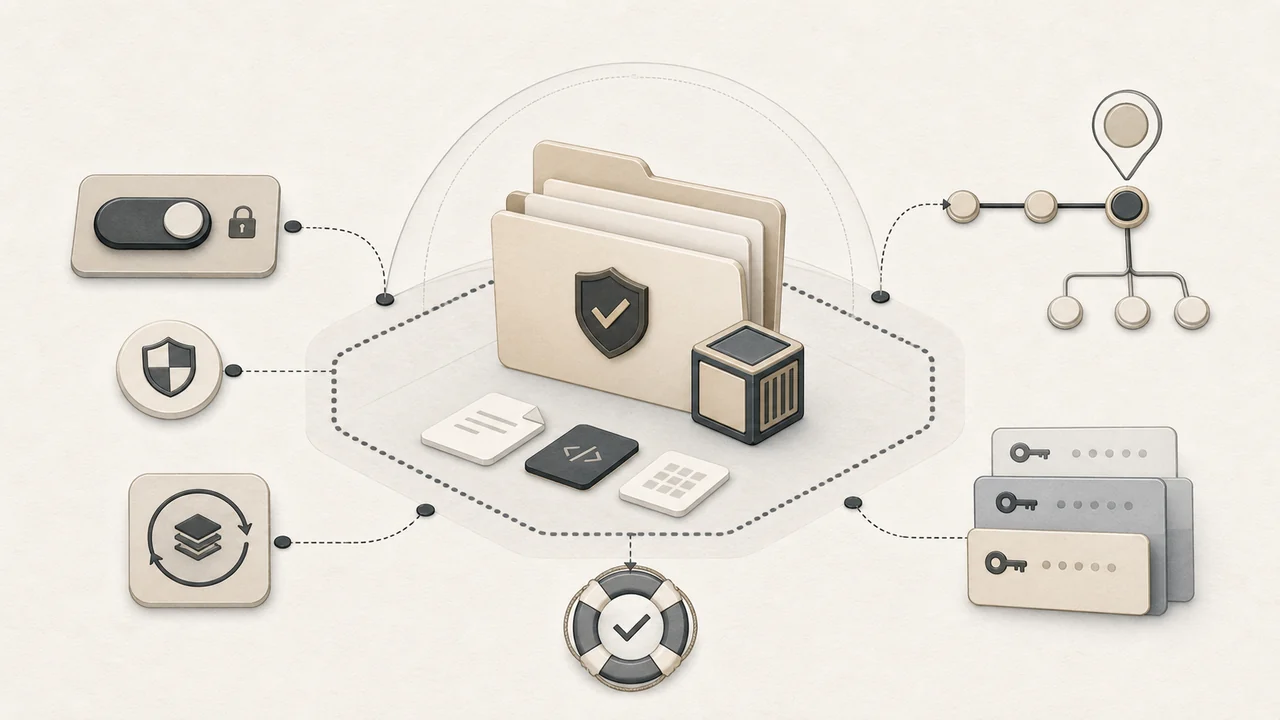
| Google Sheets, Airtable, or a database table | Audit log and rollback evidence | No log means no safe automation. |
Tier List: What to Automate First
The order matters more than the tool. Start where mistakes are cheap, then move toward higher-value workflows only after the review log shows predictable behavior.
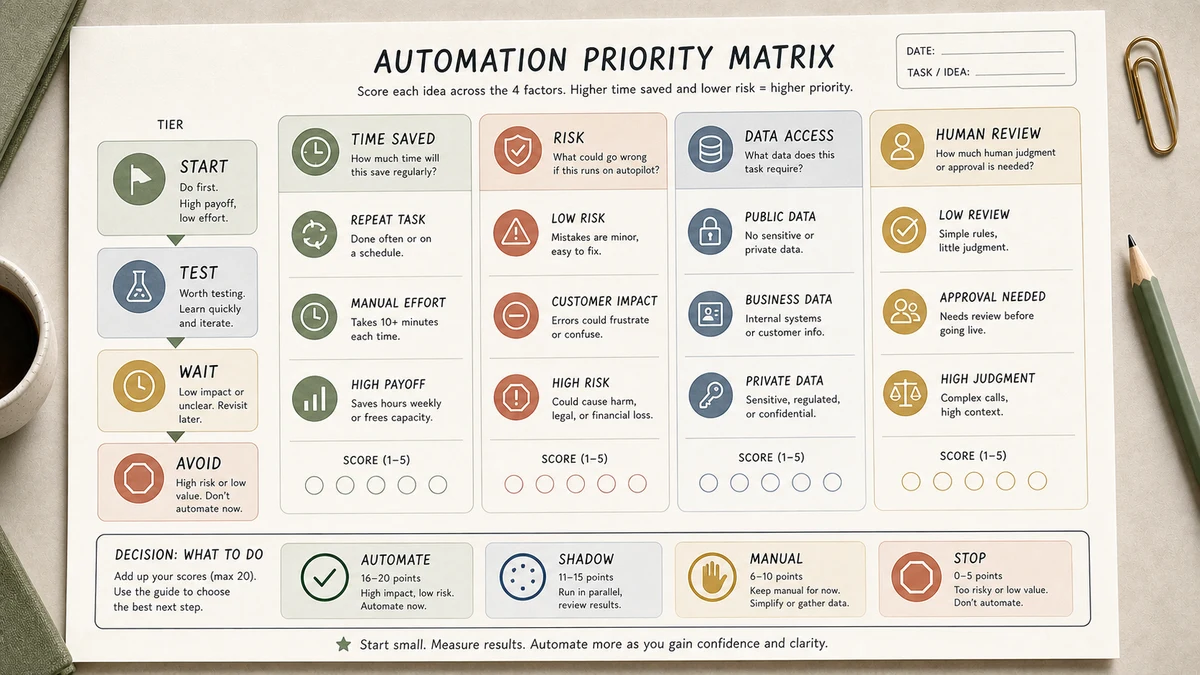
| Tier | Tasks | Why this tier |
|---|---|---|
| Tier 1 - Automate first | Meeting summaries, internal report drafts, expense category suggestions, SOP first drafts | Mistakes are internal and easy to catch. |
| Tier 2 - Automate with review | Lead triage, inbox labels, first-draft replies, content repurposing | Useful time savings, but still needs approval. |
| Tier 3 - Automate carefully | Support reply drafts, review-response drafts, quote-request summaries | Customer-facing context; keep a human gate. |
| Tier 4 - Keep manual | Pricing exceptions, refunds, complaints, legal commitments, hiring or firing decisions | The cost of one wrong action is too high. |
Our editorial position is simple: if the workflow can embarrass you in front of a customer, it should not be the first automation you build.
Step-by-Step Workflow
Step 1: Document the manual workflow first
Before you automate, write the task down as a numbered list. If you cannot describe the decision path, the automation will inherit the fuzziness.
Step 2: Build the automation in a sandbox
Route the output to a private sheet, Slack channel, or draft folder. Do not let the first version touch real customers, records, or outgoing email.
Step 3: Run in shadow mode
Trigger the automation beside your manual process. Compare the AI output to what you would have done and log every disagreement.
Step 4: Add a confidence gate
Use three destinations: auto-approve only for low-risk output, draft queue for review, and needs-human-review for anything ambiguous.
Step 5: Audit before expanding
Read the log before you connect the workflow downstream. If the error pattern is not obvious, the workflow is not ready for a higher-risk tier.
Copy-and-Paste Prompt
You are a back-office assistant for a small business.

Task: [classify / draft / summarize / extract - pick one]
Input format: [email body / meeting transcript / spreadsheet row]
Output format: [JSON / labeled paragraph / specific schema]

Rules:
- If the input is ambiguous, output {"status": "needs_human_review", "reason": "..."}.
- Never invent customer details (names, order numbers, dates) that aren't in the input.
- If a number cannot be verified from the input, write "unknown" rather than guessing.
- Stay under [N] words.

Return only the structured output. No preamble.
The needs_human_review escape valve is the most important line in any business automation prompt. Make sure your downstream automation routes that response into a human queue.
Example Input
Use a low-risk internal task for the first automation. This input gives the model a narrow job and a safe escape route.
Task: summarize an internal meeting transcript
Audience: owner and operations assistant
Output format: decisions, action items, open questions
Rules:
- Do not invent dates, owners, or commitments.
- If the speaker sounds uncertain, mark the item as needs_human_review.
- Keep customer names and private details out of the summary.
Input: [paste transcript]
Example Output
Suppose you're automating Tier 1 "meeting transcript -> summary." A clean output looks like:
Decisions: Move launch from Aug 5 to Aug 19; freeze pricing changes until Q4; hire one part-time editor.
Action items: Lingye to draft launch comms by Aug 8; Editor JD posted by Aug 10.
Open questions: Should the editor cover both blogs or just MyLing Workflow Lab? -> needs_human_review.
Note the explicit "needs_human_review" tag. That is the AI saying "I don't have enough context to decide" - exactly what you want.
Workflow Artifact: Sample Shadow-Mode Review Log
The table below is a sample audit log format, not production data. Use it during shadow mode to decide whether the automation can move from private testing to a reviewed draft queue.
| Input type | AI output | Human review note | Decision |
|---|---|---|---|
| Meeting transcript | Drafted decisions and open questions | One owner was unclear; do not assign a due date. | Review queue |
| Support email | Classified as refund request | Policy exception mentioned; do not auto-reply. | Manual |
| Weekly report notes | Summarized blockers and next actions | No customer impact and sources were present. | Approve draft |
How to read it: a workflow is not ready because the output looks fluent. It is ready only when the review notes become boring and the decision path is repeatable.
Tested Workflow Notes
- Input type: Internal meeting notes, inbox labels, and support draft examples.
- Tool used: AI assistant plus Zapier, Make, or n8n-style workflow routing; pricing and platform limits should stay in a separate rollout note.
- Best result: The strongest outputs came from narrow tasks with a required review status.
- What failed: Broad prompts tried to solve policy, tone, and customer history in one step.
- Manual edits still needed: Someone still has to decide refund exceptions, angry-customer tone, and any ambiguous commitment.
Pitfalls We've Actually Hit
- Routing drafts too close to real customers. Even when the text looks polite, stale policy context can make the answer wrong. Keep first versions in draft-only mode.
- Letting one weak classifier feed several workflows. If the first label is wrong, every downstream step becomes confidently wrong.
- Forgetting the escape hatch. A good automation needs a clear
needs_human_reviewpath; otherwise the model is pushed to guess.
Common Mistakes
- Starting with customer-facing automation. One wrong reply costs more than the whole month of time saved. Always start internal.
- No shadow-mode testing. If you go live on day one, your first error happens in front of a real customer.
- Automating fuzzy processes. Garbage in, garbage out. Document first.
- Skipping the confidence gate. Not every task needs full automation. Drafts-with-human-review are often the right end state.
- Letting prompts rot. AI tool behavior shifts when models update. Audit prompts every quarter.
Tool Alternatives
| If you can't use... | Try... | Trade-off |
|---|---|---|
| Zapier | Make.com | Slightly steeper learning curve, often more flexible for branching workflows. |
| Make | n8n (self-hosted) | Open source and flexible, but requires basic ops skill. |
| ChatGPT API | Claude API or Gemini API | Different strengths and pricing; record access, limits, and pricing assumptions separately. |
| Custom prompts | OpenAI Custom GPTs / Claude Projects | Easier to maintain prompts; team can share. |
Editorial Decision Example: Meeting Summary Automation
A safe first automation is an internal meeting-summary workflow. The AI reads a transcript and drafts decisions, action items, and open questions. The owner reviews the draft before it reaches the team. Nothing is sent to customers, and the log makes disagreements visible.
What we would approve: extracting obvious action items and open questions. What we would reject: inferred deadlines, customer promises, or anything based on sarcasm or unclear ownership. This is the kind of low-risk workflow that teaches you how the system fails before the stakes get higher.
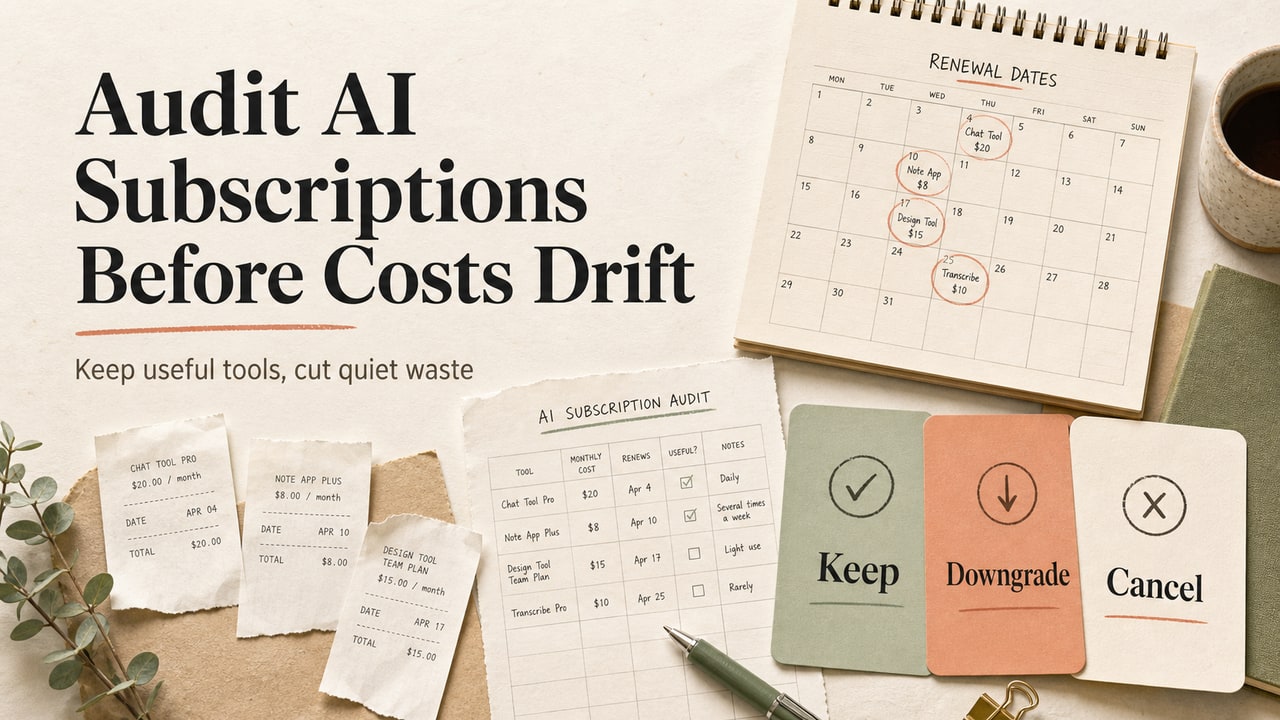
Before expanding the automation stack, use the AI subscription audit workflow to remove unused seats, overlapping tools, and paid plans that no longer support the workflow.
FAQ
What tasks should a small business owner automate first with AI?
Start with internal, low-risk tasks: meeting summaries, report drafts, inbox labels, expense category suggestions, and SOP drafts. These teach you how the automation behaves without exposing customers to the first mistakes.
How much does AI automation cost for a small business?
Costs vary by platform, task volume, and model usage. Start with the smallest plan that lets you test logging and review gates.
Is AI automation safe for customer support?
It can support customer service, but draft-only mode is the safer default. Let AI classify, summarize, or draft; keep a human gate for complaints, refunds, unclear requests, and anything that could affect trust.
Can I run AI automation without coding?
Yes. Zapier and Make are built for no-code workflows, and n8n is useful when you can handle more technical setup. The hard part is not code; it is defining the workflow and review rules clearly.
How do I know when an AI automation is reliable enough?
Look for boring logs: repeated correct outputs, known edge cases, and a low number of manual reversals. If you cannot explain why the failures happened, keep the workflow in review mode.
Final Recommendation
If you take only one thing from this guide: automate Tier 1 tasks for one full month before you touch Tier 2 or Tier 3. The temptation to jump to customer-facing automation is enormous because the savings look bigger. The actual ROI - and your customer trust - depends on you having proven the system internally first.
Pick one Tier 1 task this week. Document it, build it in shadow mode, run it for seven days, then go live with a human-review gate. After your third internal automation, you will have enough confidence (and enough log data) to start moving up the tiers.